
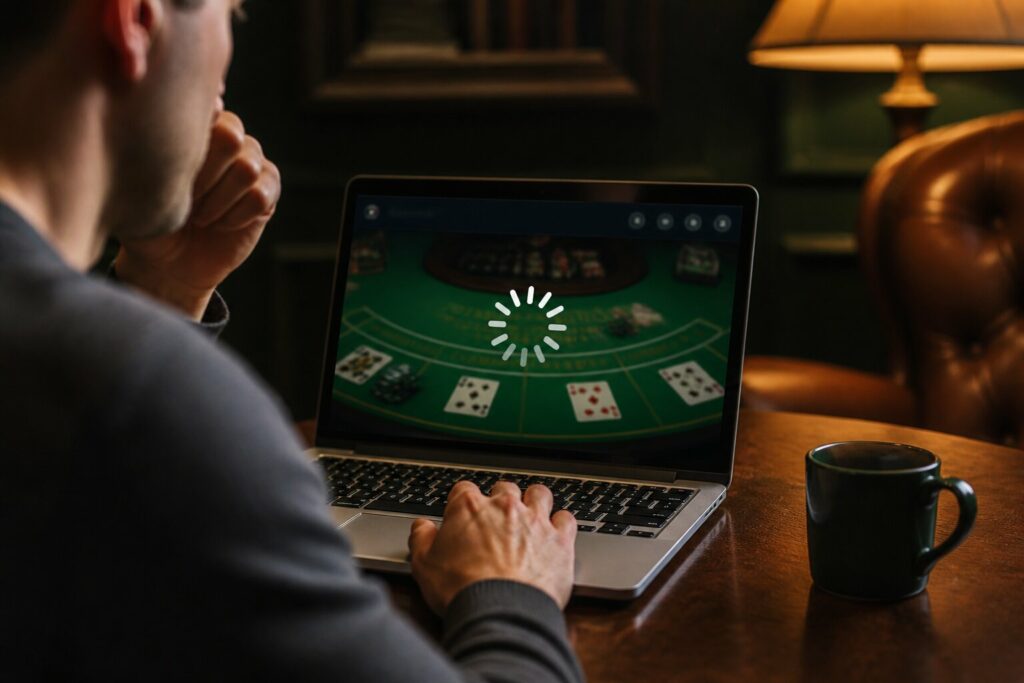
Blackjack Not Working? Fix Online Game Loading & Connection Issues
There is nothing more frustrating than settling in for a few hands of online blackjack only to find the game won’t load or keeps disconnecting. Error messages, spinning wheels, and frozen screens interrupt the rhythm of play and leave you wondering what went wrong.
These issues are common and, more often than not, fixable. Small changes to your device, browser or connection usually get you back at the table quickly. Read on for clear, practical explanations of the causes and how to resolve them so you can carry on playing without repeated interruptions.
Common Reasons Why Online Blackjack Won’t Load
Before trying fixes, it helps to understand what might be causing the problem. Typical causes include:
- A weak or unstable internet connection, which can interrupt the game when data does not travel reliably.
- An out-of-date or overloaded browser, where many open tabs or a large cache slow down or block game files.
- Missing or outdated software components required by some games.
- Interference from ad blockers, VPNs or privacy extensions that can prevent game scripts from loading.
- Technical issues on the casino’s side such as maintenance or server faults.
You must also be at least 18 to play and use authorised sites, as regulated services provide the protections you need while using online games.
Now that you know the likely causes, the next sections explain how these problems show up and what to check on your device and connection.
How Can I Fix Online Blackjack Connection Problems?
Connection problems often present as long loading times, repeated disconnections, or delayed responses during play. In many cases the remedy is about restoring a stable environment for the game to run in. Checking your network to see whether other sites or streaming services are slow can indicate whether your internet is the issue. If the whole connection is sluggish, a router restart or switching to a different network may help.
On the device side, closing unnecessary browser tabs and applications frees memory and processing power, and clearing the browser cache removes outdated files that can block new content. Make sure your browser and any required software are kept current so they support the latest game code. If privacy tools such as VPNs or ad blockers are active, they can sometimes interfere with game resources, so temporarily pausing them can reveal whether they are part of the problem.
If none of these steps uncover the issue, it may be a technical problem with the site itself, in which case checking the casino’s official channels for notices is the sensible next move.
Browser & Device Troubleshooting for Online Blackjack
Browser and device problems tend to show up as crashes, slow performance or games that never fully initialise. Devices with low available storage or many background processes will struggle to run resource-heavy web games, so freeing space and closing unnecessary apps usually improves performance. A different browser can also behave differently with particular sites, so trying another supported browser can be informative.
Keeping software updated is important: outdated browsers and operating systems may lack compatibility with modern game code or security standards. Running antivirus and anti-malware checks protects your device and helps rule out background infections that could affect performance. If problems are persistent across browsers and devices, that points more strongly at a network or server-side issue.
If these suggestions do not resolve the problem, the next sections offer targeted explanations for specific symptoms like freezing, and how to check whether the issue is out of your hands.
Why Do Some Blackjack Games Flicker or Freeze?
Flickering or freezing usually stems from performance mismatches between the game and your device or from intermittent network transmission. When a device is handling many tasks or running low on battery, graphical updates and real-time data can fall behind, producing stutter or brief freezes. Browser rendering conflicts with certain site scripts or plugins can produce visual artefacts as well.
Addressing these causes involves reducing the load on your device and ensuring a stable connection. If the problem appears only on one device while others work fine, the device itself is likely the culprit. If it affects multiple devices on the same network, the issue is more likely to be connection-related or site-wide.
A few straightforward measures usually resolve these symptoms, and if the freezing persists after those, it is worth checking whether the casino has reported any broader technical problems.
Steps to Resolve Game Freezing or Lag
The following measures are commonly effective in reducing or eliminating flicker and freezes. Try them to improve the situation:
- Close background apps and extra browser windows to free system resources.
- Connect your device to power if battery saving is interfering with performance.
- Refresh the game page or restart your browser to reload game files.
- Keep your browser and device software up to date to avoid compatibility problems.
- Use a stronger Wi-Fi signal or a wired connection if possible.
- Check the casino’s announcements for any known issues affecting play.
If these steps do not help, customer support can confirm if there is an ongoing technical problem on the operator’s side.
Is My Internet Speed Affecting Online Blackjack?
Internet speed and stability affect real-time games more than static websites. Even moderate delays in sending and receiving data can result in lag or interrupted sessions. A simple speed test will reveal whether upload or download rates are unusually low, and testing other online services can show whether the issue is isolated to the casino site or affects your whole connection.
Reducing other uses of the network at the time you play, moving closer to the router to improve wireless signal strength, or switching to a wired connection can make a measurable difference. If you notice recurrent slowdowns at specific times of day, this may indicate local network congestion rather than a problem with the casino.
Where speed tests and local troubleshooting show the connection is generally fine, the issue may lie with the site’s servers or with the way your browser interacts with the game.
Are Online Casino Servers Down?
Sometimes the source of the problem is on the operator’s side. Servers can be taken offline for maintenance or may experience faults that affect many players at once. When that is the case, the problem will persist across devices and networks; recognising this helps avoid unnecessary troubleshooting on your own equipment.
If the casino’s servers are the cause, the operator will usually post updates on their website or social channels. When a site is unavailable for many players, waiting while they resolve the issue is the sensible course of action rather than repeatedly attempting to reconnect.
How to Check Server Status
Start by looking for messages on the casino’s site and their official social accounts where they commonly announce maintenance or outages. Some operators also offer status pages or send notifications within the client. Third-party monitoring services can sometimes confirm widespread incidents if you need a quick external check.
If a server fault is confirmed, give the operator time to restore service and avoid attempting to bypass restrictions that could compromise your account or security.
Clearing Cache & Cookies: Will It Help?
Cache and cookies store snippets of site data to speed up browsing, but when they become outdated or corrupted they can prevent games from loading correctly. Clearing these files forces the browser to fetch fresh game assets and scripts, which often resolves loading errors that are local to your device.
Before you clear anything, be aware of the practical consequences. Clearing cache and cookies may:
- sign you out of sites,
- remove stored preferences and settings,
- erase saved form data or site-specific choices.
If you decide to clear them, also try restarting your browser afterwards and loading the game in a private or incognito window. That can help check whether an extension or stored data is the cause. On mobile devices the process is similar but may require using the device settings or the browser app settings rather than a desktop menu.
If a problem persists after clearing cache and cookies, that helps narrow the likely cause toward server-side issues or network instability rather than a local browser fault. In that case, try a different browser or device, and contact support with details if the issue continues.
When Should You Contact Customer Support?
If you have tried the standard troubleshooting steps — such as testing your internet, trying another browser or device, clearing cache and cookies, and checking the operator’s notices — yet the problem continues, the operator’s support team can provide further diagnostics. They can check for account-specific faults, flag problems to their technical team, and confirm whether maintenance or an outage is affecting play.
When you do contact support, use the official contact methods listed on the site and confirm identity only through secure channels. Avoid sharing passwords or sensitive information in unsecure messages.
When to Get in Touch
Reach out to support in any of the following situations:
- The game fails to load after trying multiple browsers and devices.
- You are seeing repeated errors related to your account, payments or game access.
- You have evidence that the fault affects only your account.
- The site has not posted any update but you continue to experience outages.
Support teams can also point you to any available account tools for controlling spending and play time if you wish to use them.
Your safety and privacy are important, so rely on official advice and tools rather than unverified fixes.
Final statement: With a little investigation and the steps outlined here, most loading and connection problems can be identified and resolved, helping you return to smooth, uninterrupted play.
**The information provided in this blog is intended for educational purposes and should not be construed as betting advice or a guarantee of success. Always gamble responsibly.